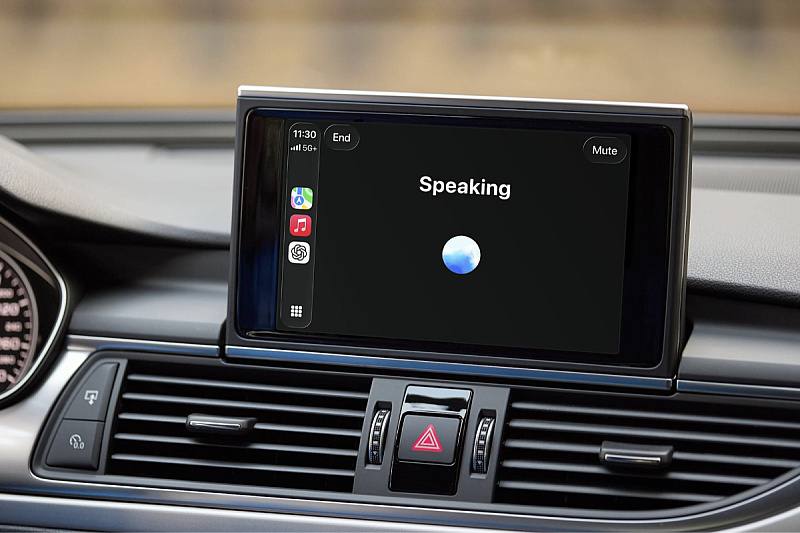
Users of the latest iOS version and the ChatGPT app who have a CarPlay-compatible vehicle can try out this feature.
To get started, you need to download the latest software, connect your iPhone to CarPlay, and select "New voice chat" from ChatGPT. When the app text shows "listening," meaning ChatGPT is "listening," it's time to start the conversation.
There are some significant limitations to using ChatGPT Voice with CarPlay. First, OpenAI's chatbot cannot control car functions. If the driver wants to adjust the cabin temperature or skip songs, they will still need Siri for those tasks.
Due to Apple's restrictions, ChatGPT also cannot be activated via a "wake word" as is possible with the Siri assistant. For example, to resume a previous conversation, the user must open the ChatGPT app from CarPlay and tap on a recent or pinned conversation.